
Payment Links: What Are They and How to Use Them?
Getting paid should be simple — whether your customer is next door or on the other side of the world.
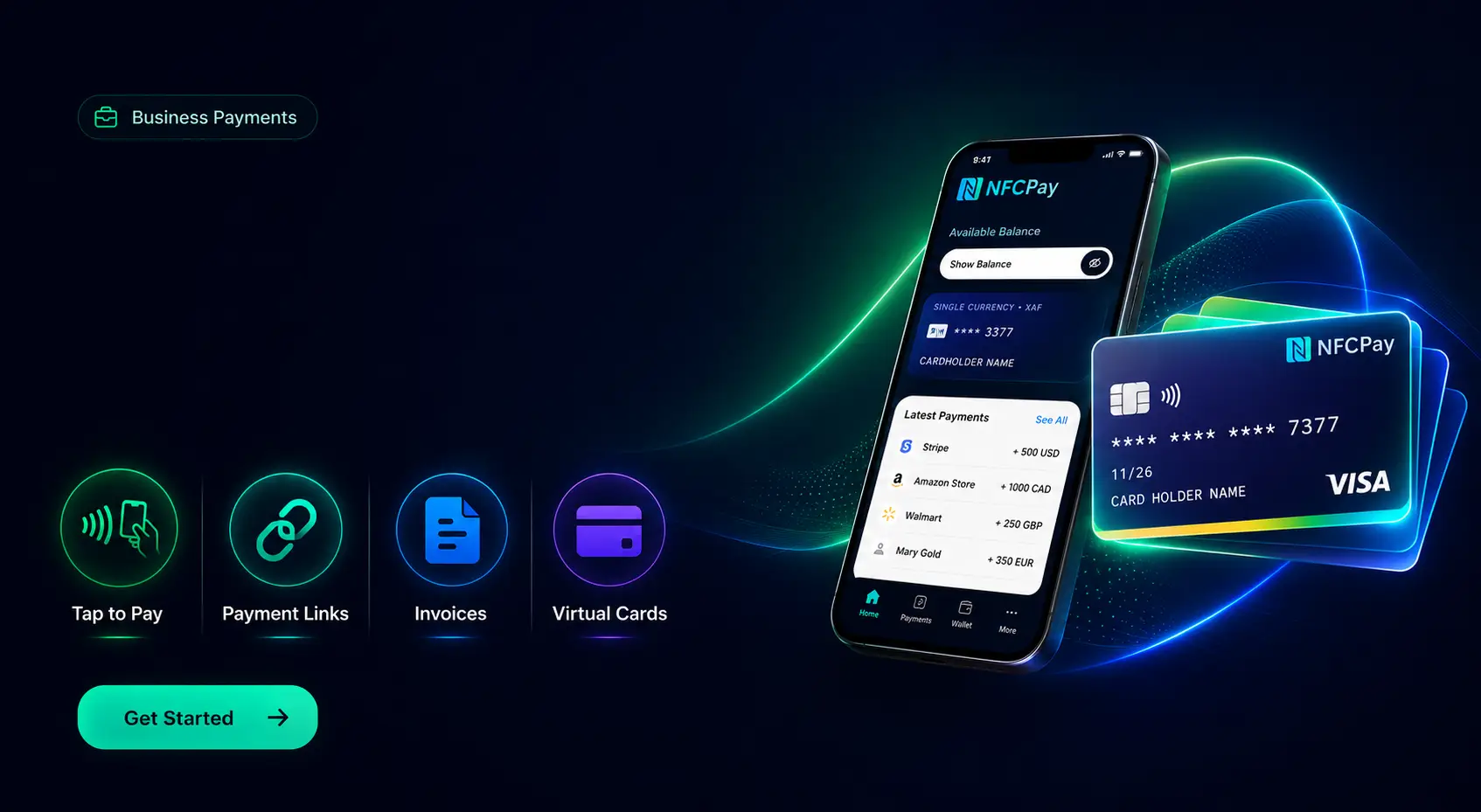
Payment Links is one of the NFCPay Business Solutions, designed to help businesses, freelancers and professionals request and receive payments without needing a traditional card terminal or a complicated online checkout.
Create a Payment Link, choose the amount and supported currency, and share the link directly with your customer through WhatsApp, SMS, email, social media or another digital channel.
Create. Share. Get paid.
Once the payment is successfully completed, the funds are credited directly to your NFCPay Wallet account.
Part of NFCPay Business
Payment Links is integrated into NFCPay Business, alongside tools designed to make it easier to manage payments and everyday business operations from one platform.
Instead of relying on separate services for every payment situation, NFCPay Business brings payment tools together with your NFCPay Wallet.
Payment Links are particularly useful for:
Freelancers and consultants
Small businesses
Service providers
Online sellers
Remote businesses
Businesses serving international customers
You don't need a complete online store just to request a payment.
Simply create the link and send it to your customer.
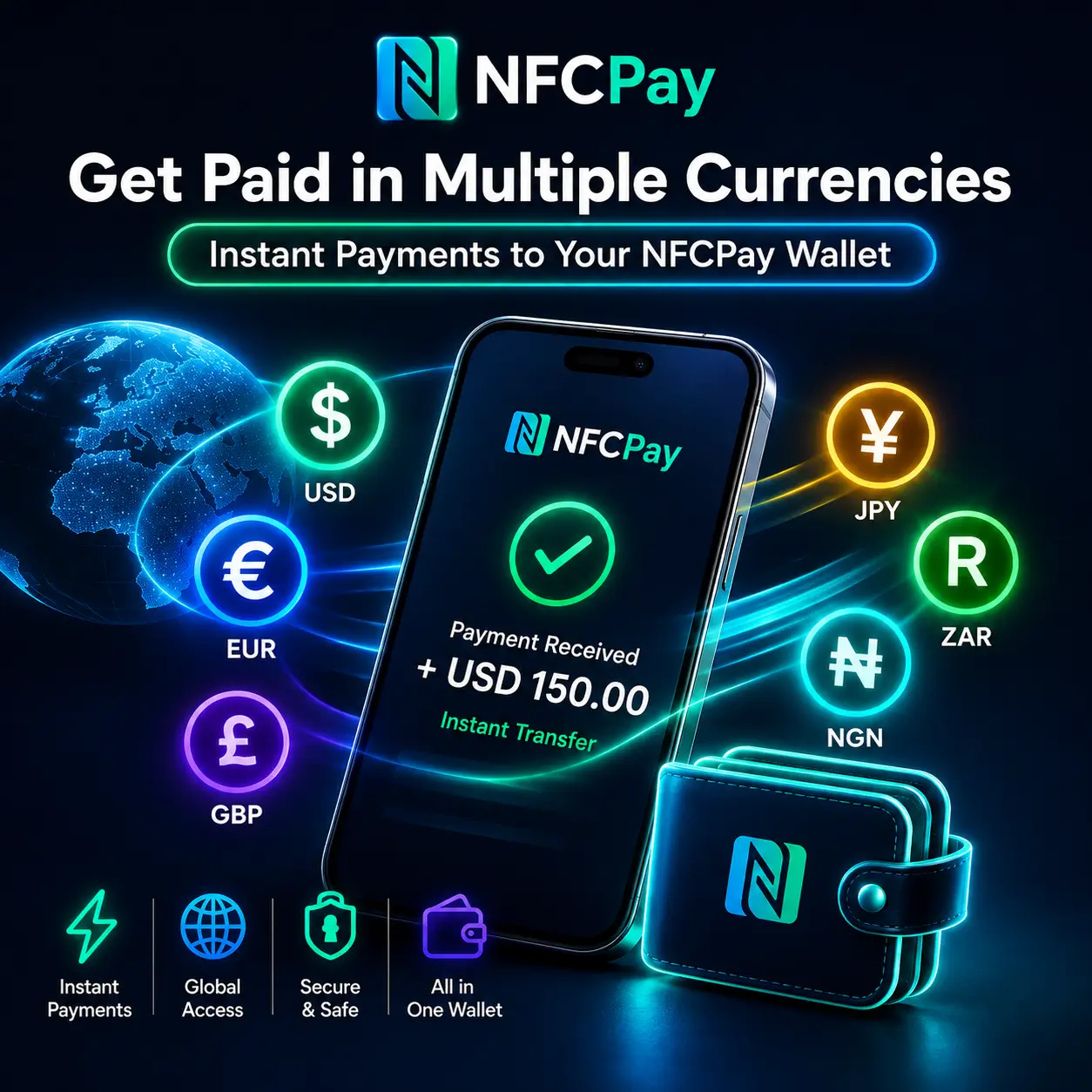
Get Paid in Multiple Currencies
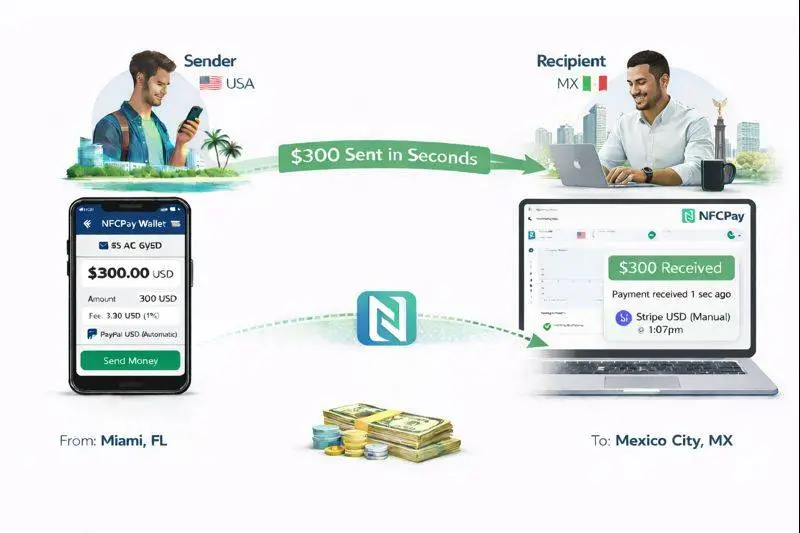
With NFCPay Payment Links, businesses can request payments in supported currencies and receive completed payments directly into their NFCPay Wallet environment.
This makes Payment Links especially useful for businesses working across borders or serving customers in different markets.
One payment link. One NFCPay account. More ways to get paid.
How Does an NFCPay Payment Link Work?
The process is straightforward:
1. Open NFCPay Business
Sign in to NFCPay and open Payment Links from your Business tools.
2. Create a Payment Link
Enter the payment amount, select the supported currency and add the relevant payment information.
3. Generate the Link
NFCPay creates a unique payment link that you can send to your customer.
4. Share It
Send the link through WhatsApp, SMS, email, social media or another digital channel.
5. Get Paid
Your customer opens the link and completes the payment. Once successfully processed, the payment is credited to your NFCPay Wallet account.
Why Use Payment Links?
Payment Links can remove several unnecessary steps from the traditional payment process.
Imagine that a customer contacts your business through WhatsApp and agrees to pay $150 for a service.
Instead of sending bank details or asking the customer to find a checkout page, you create a $150 Payment Link and send it directly in the conversation.
The customer opens the link and pays.
You receive the payment through NFCPay.
That's it.
Business Payments Without a Traditional Checkout
Not every business needs an e-commerce store.
Many businesses sell services rather than products. Others work directly with customers through messaging, email or social media.
For these businesses, Payment Links provide a simple bridge between a conversation and a payment.
They can be used for individual jobs, professional services, bookings, remote work, customer orders and many other payment situations.
Use NFCPay Business on Mobile or Web
NFCPay Business is available as part of the wider NFCPay platform, giving you access to your business tools while keeping payments connected to your NFCPay Wallet.
Create a Payment Link from your phone when you're on the move or use NFCPay on the web when you're working from your computer.
Your business doesn't always happen behind a desk — your payment tools shouldn't have to either.
Start Using NFCPay Payment Links
If you already have NFCPay, open NFCPay Business → Payment Links and create your first payment request.
New to NFCPay?
Download NFCPay Wallet for Android and access NFCPay Business from your account.
Download NFCPay Wallet on Google Play:
https://play.google.com/store/apps/details?id=net.appdevs.nfcpay&pcampaignid=web_share
NFCPay Business
Payment Links • Invoices • Products • Business Tools
NFCPay — One Wallet. Endless Possibilities.