Payments Made Simple
Use NFCPay for digital payments, NFC contactless payments and secure wallet activity from one platform.
Download AppNFC Payments
Simple contactless payment flow.
Wallet Payments
Manage payments from your wallet.
Secure Access
Protected payment activity.
Payment Activity
Track payments from dashboard.
The future of payments is mobile-first
Modern payment systems are moving away from slow, branch-based banking and toward instant digital access. Mobile wallets, NFC technology and real-time activity tracking are changing how people pay and how businesses receive money.
Why mobile payments are growing
- Faster checkout
- Less dependence on cash
- Better payment tracking
- More flexible tools for merchants
NFCPay combines wallet payments, NFC-style technology and transaction tracking in one secure platform. Visit NFCPay or learn more about contactless payments.
Latest NFCPay insights
Read more about digital wallets, mobile payments and secure fintech technology.
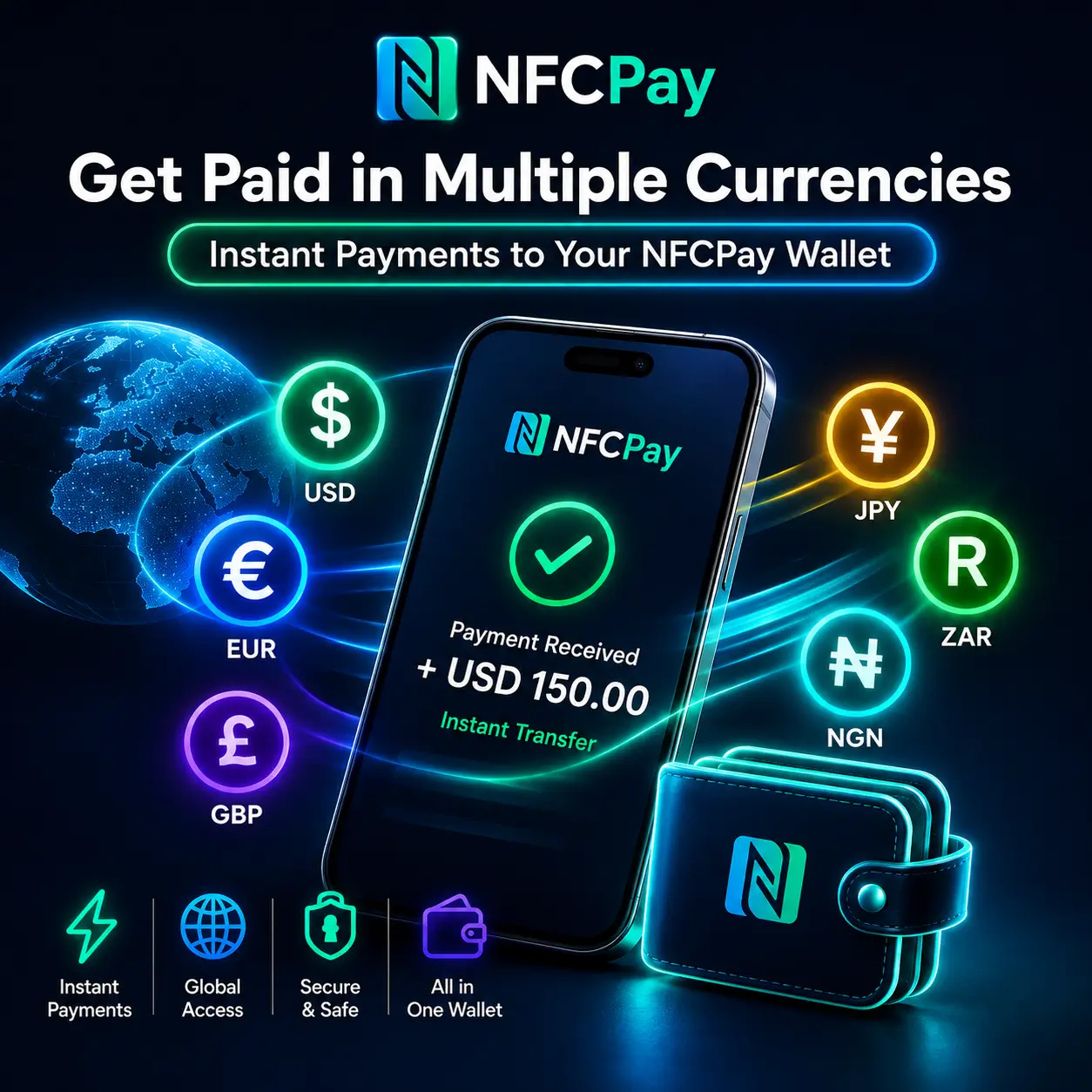
Payment Links: What Are They and How to...
Getting paid should be simple — whether your customer is next door or on the other side of...
Read Article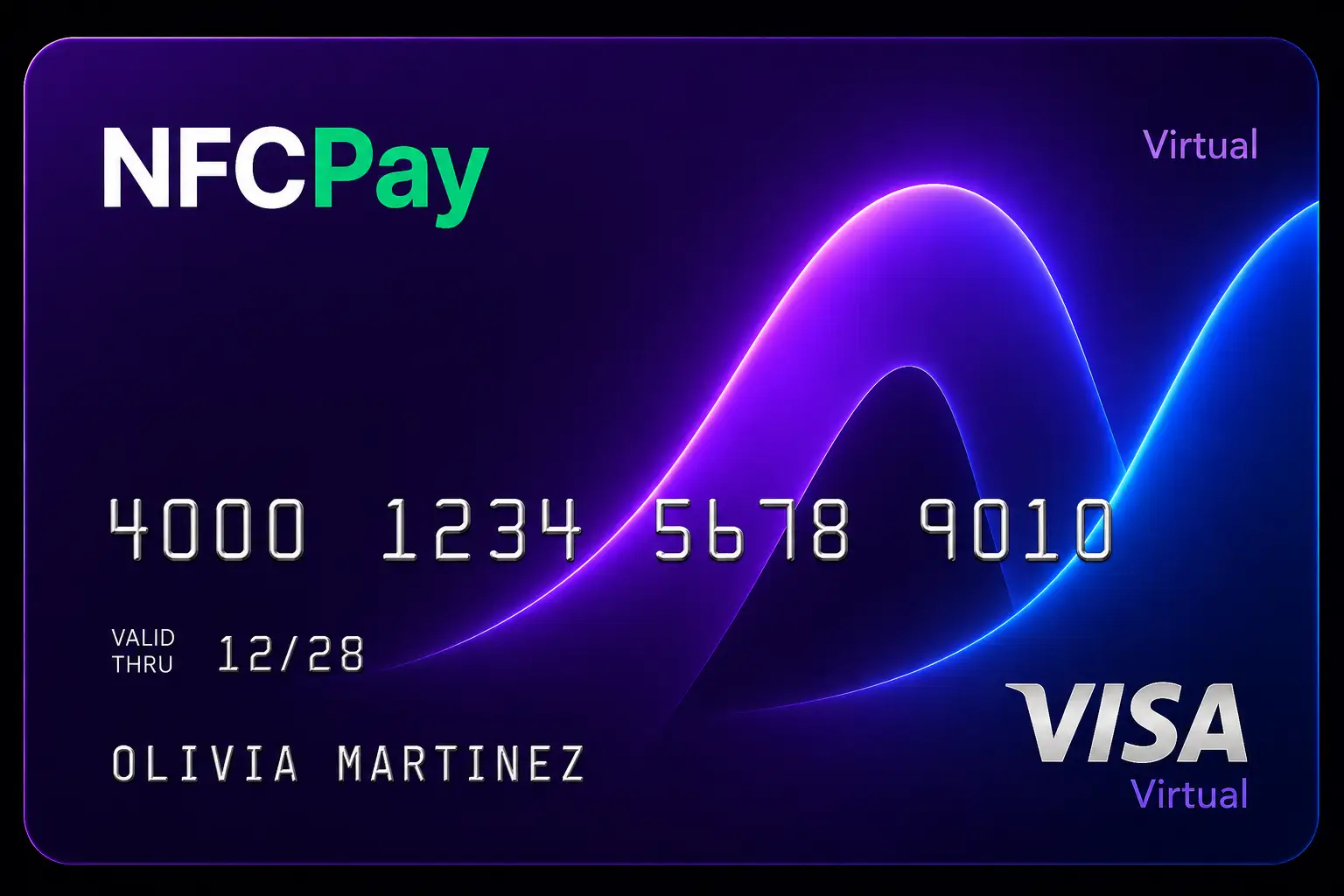
Virtual Cards: The Safer Way to Pay Online
What Is a Virtual Card?
A virtual card is a digital payment card that can be used for online...
Read Article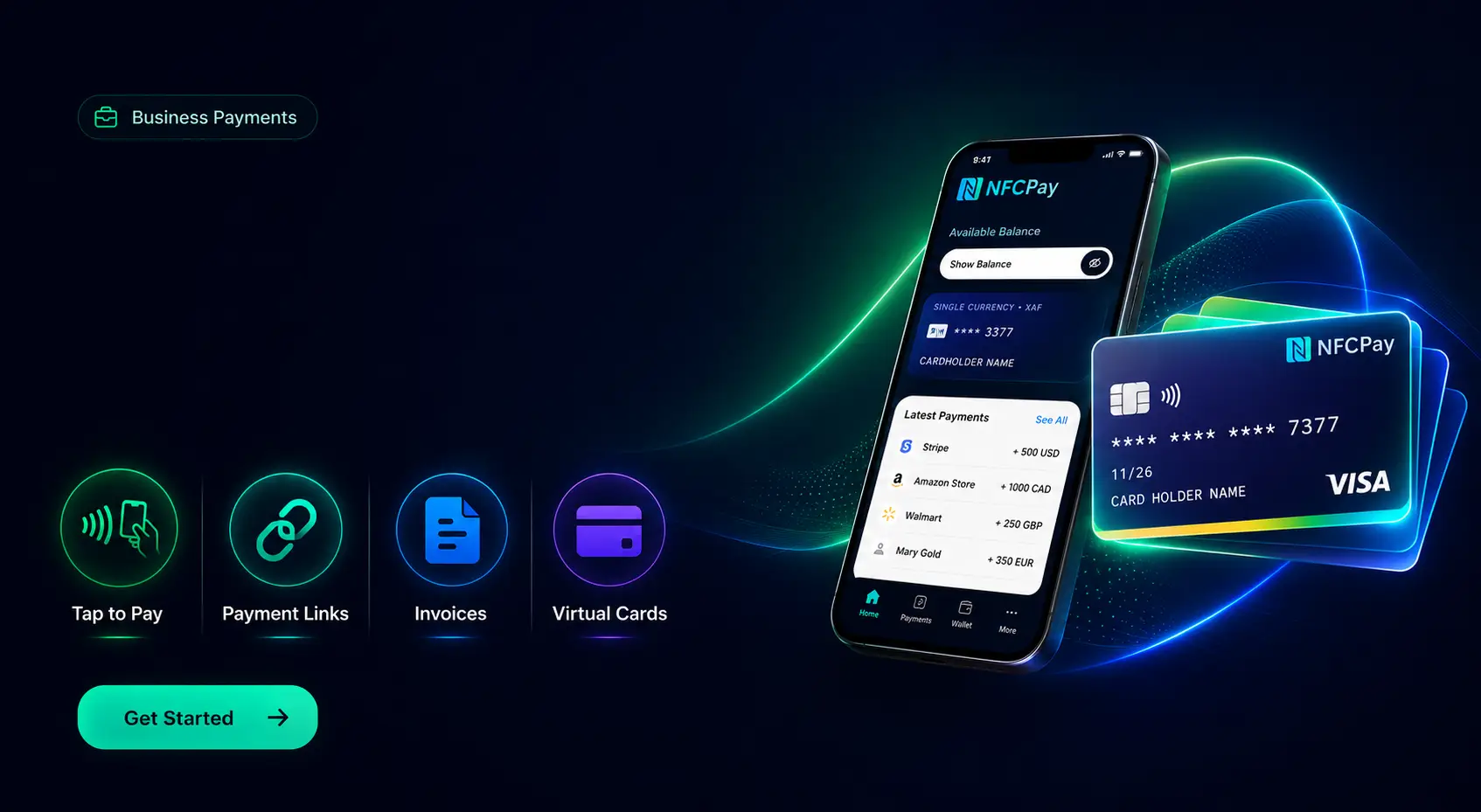
What Is NFC Tap-to-Pay and How Does It...
What Is NFC?
NFC means Near Field Communication. It is a short-range wireless technology that allows two compatible devices...
Read ArticleFrequently asked questions
It is the payment system connected to the wallet.
NFCPay is built around NFC-style flows.
Yes, activity can be tracked.
Yes, it supports merchants and users.
Use the Accept Payments page.
The app gives the best payment experience.
Ready to use NFCPay?
Download NFCPay Wallet and manage payments, transfers and digital finance from one secure platform.
Download NFCPay